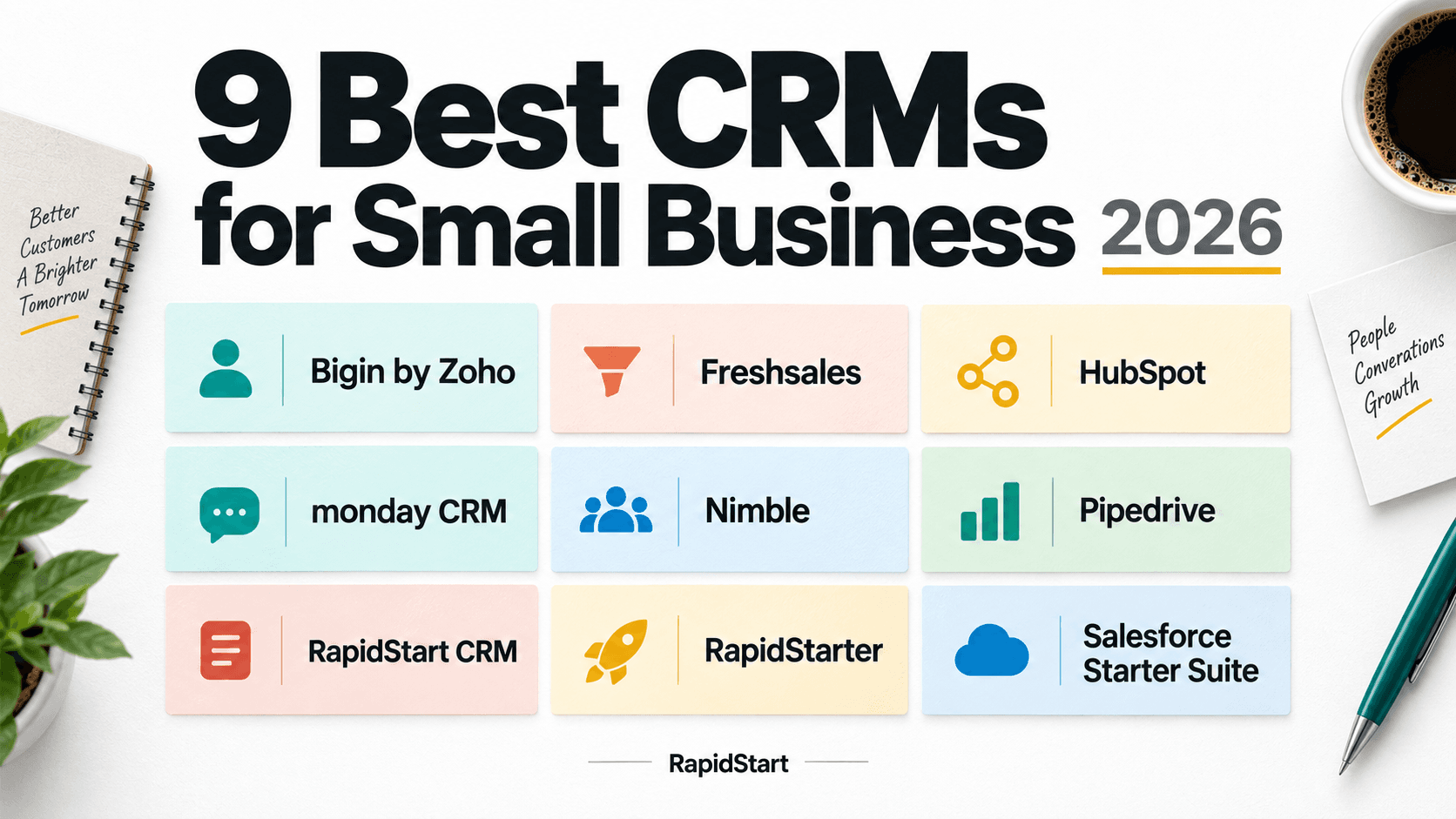
9 Best CRMs for Small Business in 2026
Your next customer is probably already somewhere in your inbox. The harder part is remembering who needs a reply, which opportunity has gone quiet, and what your team promised in the last meeting.
A small-business CRM should make those answers easier to find. It should also fit the way your team works, without turning customer management into another part-time job.
But small businesses do not all need the same thing. A five-person company working in Outlook has different priorities from a growing sales team building custom processes or a business bringing marketing and customer support into one system.
Here are nine CRMs worth shortlisting, with a practical look at where each fits, what it costs, and what to check before signing up.
We also cover each product's AI story. Writing an email, summarizing a customer record, recommending a next step, and running an agent are different capabilities, with different costs and levels of responsibility.
Quick Summary
Bigin by Zoho is worth considering for a lightweight first CRM, HubSpot for connected sales and marketing, and Pipedrive for pipeline management.
For a business that needs a customizable CRM in its own Microsoft Dataverse environment, look at RapidStart CRM. For a small Microsoft 365 team that needs help keeping customer work moving, start with RapidStarter. They are different products, not two subscription levels of the same application. The profiles below explain the trade-offs, including where our own products are not the right fit.
Disclosure: RapidStart publishes this guide and makes RapidStart CRM and RapidStarter. We include both because they address different needs. These recommendations are our editorial assessment of documented capabilities and pricing, not independent hands-on test results. Products are listed alphabetically, not ranked by performance.
Small-Business CRM Comparison at a Glance
| CRM | Our Pick For | Pricing Starting Point | Important Qualification |
|---|---|---|---|
| Bigin by Zoho | Moving from spreadsheets to a simple CRM | Express: US$7/user/month, billed annually | Free edition is limited to one user and 500 records |
| Freshsales | Sales teams combining email, phone, and chat | Growth: US$9/user/month, billed annually | Advanced sales capabilities and AI add-ons can cost more |
| HubSpot | Connecting sales and marketing | Free CRM tools; paid Starter bundle | Introductory offers differ from standard pricing |
| monday CRM | Visual, configurable sales workflows | Regional per-seat plans | Plans start at three users; feature limits vary by tier |
| Nimble | Relationship management around the inbox | US$24.90/seat/month, billed annually | Additional capacity and some marketing tools cost extra |
| Pipedrive | A sales team's pipeline and next steps | Lite: US$14/seat/month, billed annually | Full email sync starts on Growth |
| RapidStart CRM | Customizable CRM on Microsoft Power Platform | US$10/user/month for the app | 10-user minimum; qualifying Microsoft Power Apps licensing costs extra |
| RapidStarter | AI-assisted follow-up for small Microsoft 365 teams | US$99/company/month, up to 10 users | Microsoft 365 business account required; included AI allowance is finite |
| Salesforce Starter Suite | Entering the Salesforce ecosystem | US$25/user/month, monthly or annual billing | Starter is not the complete Salesforce feature set |
Pricing was checked against vendor pages on September 8, 2026. These are starting points, not equivalent feature bundles or complete ownership costs. Annual prices require an annual commitment; regional pricing, taxes, promotions, usage, and add-ons can change the total. Check the linked plan details before purchasing. RapidStart CRM pricing is documented on its US pricing page.
What Should You Look for in a Small-Business CRM?
Before comparing dashboards, agree on the work the CRM needs to support.
Daily usefulness. Can someone find the customer history, next action, and deal owner without asking a colleague? Test a normal working day, not just the product tour.
Fit with your existing tools. Check exactly what the email and calendar connections do. Signing in with Microsoft, synchronizing Outlook, and storing CRM data in your own Dataverse environment are different capabilities.
A realistic maintenance burden. Someone needs to manage access, clean up records, and keep the process useful. Decide how much administration your business can support.
The total bill. Count everyone who needs access, then add required platform licenses, minimum seats, integrations, implementation, and usage-based charges. Compare the plan you need, not the cheapest plan on the page.
Room to change. Consider the next useful improvement: another pipeline, a custom approval, better reporting, or a connection to finance. Ask how that change would be implemented and paid for.
We used these five questions to shape the shortlist. The best-fit labels below are recommendations based on those priorities, not claims that one product wins every comparison.
1. Bigin by Zoho: Best for a Lightweight First CRM
What It Offers
Bigin is Zoho's small-business-focused CRM, with pipelines, contacts, activities, and workflow tools. Paid editions add email integration and higher limits. Features and editions
The AI Story
Bigin's Zia tools help draft and refine emails and summarize customer records. Its agents include Email-In Reply Assistant, Churn Analyzer, and Cross-Sell Genie, supporting tasks such as responding to incoming messages and analyzing lost deals. These are Bigin capabilities, not a claim that it includes everything in Zoho CRM's wider AI suite.
AI is available in Premier and Bigin 360, with 1,000 and 3,000 monthly credits respectively. Current documentation lists US, India, and Australia data-center support. Check regional availability and configure agent permissions and sending rules carefully; some workflows can send automatically. Bigin AI documentation
Why Consider It?
We would shortlist Bigin for a team replacing a spreadsheet that no longer provides a reliable shared view. It offers a focused entry point without requiring buyers to start with the broader Zoho CRM product.
Pricing
The free edition supports one user and 500 records. Express is $7 per user per month billed annually, or $9 billed monthly. Current pricing
Not Ideal For
A team that already knows it needs extensive customization or high-volume workflows. Check record, pipeline, custom-field, and automation limits against real usage before choosing an edition. Its free version is not a free multi-user team plan.
2. Freshsales: Best for Bringing Sales Conversations Together
What It Offers
Freshsales combines contact and pipeline management with email, phone, chat, and workflow capabilities. Higher tiers add features including scoring, sales sequences, and more advanced controls. Plan comparison
The AI Story
Freddy helps sales teams prioritize customer work. Its deal insights surface opportunities that need attention, while contact scoring and recommended next actions help organize follow-up. That makes the relevant question whether its signals help your team make better decisions, not simply whether an AI button is available. Freddy deal insights and contact scoring
The current plan comparison places contact scoring and deal insights on Pro. The customer-facing Freddy AI Agent is a separate, session-priced add-on, not the same thing as those sales insights. Check the edition and usage allowance for the exact AI workflow you want, and review recommendations against the underlying customer activity. Freshsales AI pricing
Why Consider It?
We would shortlist it for a sales team that wants communication tools alongside customer records. Use the trial to check the actual calling and messaging requirements, not just the presence of those features in a checklist.
Pricing
Growth is $9 per user per month billed annually; Pro is $39 on that basis. Freddy AI Agent is listed as a separate add-on, so do not assume every AI capability is included in the base subscription. Current pricing
Not Ideal For
A team budgeting at the entry price while requiring higher-tier sales features. Map each must-have capability to its edition and include relevant usage costs.
3. HubSpot: Best for Connecting Sales and Marketing
What It Offers
HubSpot combines CRM with products for marketing, sales, customer service, and related customer operations. Its Starter bundle brings entry-level versions of those tools together. Starter platform
The AI Story
HubSpot's Breeze Assistant supports work such as preparing for meetings and understanding customer context. Prospecting Agent adds research and personalized outreach, while Agent Hub provides a place to manage and build agents around CRM data. The appeal is assistance across the customer journey, rather than a single sales-only use case. Breeze sales workflows and Agent Hub
Agent Hub is available with Starter and higher editions, but access does not mean unlimited execution: many agent capabilities consume HubSpot Credits, and feature eligibility varies. Confirm the required subscription, credit budget, connected data, and outreach approval behavior before enabling agents. Agent availability and credits
Why Consider It?
We would shortlist HubSpot when the question is not just where deals stand, but how leads arrive, become customers, and receive support. That breadth is a reason to consider it, rather than treating it solely as a contact database.
Pricing
Free CRM tools are available. At review time, the Starter bundle advertised new-customer offers of $7 per seat per month paid annually or $10 paid monthly. These are limited-time offers, not a promise of ongoing standard pricing. Current offer
Not Ideal For
A team seeking only a narrow sales workflow. Before committing, price the specific capabilities and limits you need after the introductory offer ends.
4. monday CRM: Best for Visual, Configurable Sales Workflows
What It Offers
monday CRM provides configurable boards, dashboards, and sales workflow tools. Its plans differ in contact and deal capacity, customization, automation, and other capabilities. Product and plan details
The AI Story
monday's AI story spans writing assistance, its Sidekick assistant, workflow actions, and meeting notes. For a small sales team, practical uses include preparing an email, turning information into organized work, and reducing the effort of recording meeting outcomes.
Some features, including the CRM email generator, are free to use, while metered AI actions draw from an account-level credit allowance. Availability and usage entitlements differ by plan and feature. Before budgeting, distinguish the subscription from additional AI capacity, and test what an agent or automation will change before letting it run on customer records. monday AI features and credits
Why Consider It?
We would consider it when visual organization is important and someone on the team wants to shape the workflow. In a trial, build your actual stages and handoffs rather than judging it from a sample board.
Pricing
Pricing is per seat and varies by billing country. Plans start at three users. The regional page reviewed displayed Basic at EUR12 per seat per month, billed annually; obtain the applicable local price rather than treating that as a US dollar quote. Regional pricing
Not Ideal For
A solo user who only wants to pay for one seat. Also check whether the lowest tier's limits accommodate the workflow you intend to build.
5. Nimble: Best for Relationship Management Around Your Inbox
What It Offers
Nimble brings contact history, business context, and tasks into an inbox-oriented CRM experience. It supports Microsoft 365 and Google Workspace, making it relevant to businesses that organize sales around relationships and conversations. Outlook experience and plan details
The AI Story
Nimble's documented AI emphasis is communication: its writing assistant helps create and refine individual emails, group messages, and sequence content. AI-assisted email marketing extends that into campaign creation. This is useful when the time-consuming part of relationship management is writing relevant outreach, rather than designing an autonomous operational agent. Nimble's AI email tools
The base plan lists AI email creation tools; the email marketing upgrade is separately priced at $15 per company per month, with sending-capacity options to check. Review generated messages for accuracy and tone, and do not treat AI writing assistance as evidence that the CRM independently manages the whole sales process. Plan and upgrade details
Why Consider It?
We would shortlist Nimble when staying informed about people and maintaining relationships matters as much as moving opportunities through stages. It also deserves consideration alongside RapidStarter for an Outlook-based team; Microsoft integration is not unique to our products.
Pricing
Nimble lists $24.90 per seat per month billed annually, or $29.90 billed monthly. Some marketing capabilities and additional contact, enrichment, or storage capacity cost extra. Current pricing
Not Ideal For
A buyer who needs a deeply tailored operational system rather than primarily relationship-focused CRM. Validate the required data structure, workflows, and capacity before committing.
6. Pipedrive: Best for Pipeline Management
What It Offers
Pipedrive organizes leads, contacts, deals, calendar events, and sales activities around a pipeline. Higher plans add capabilities such as email synchronization, sequences, and forecasting. Plans and capabilities
The AI Story
Pipedrive offers AI-assisted report creation and importing across its current plans. Premium and Ultimate add AI email creation, while email summarization and suggested replies are listed as beta capabilities on those tiers. Its Sales Assistant is also listed in beta and can answer questions about CRM data and help summarize information or create notes.
The distinction is feature access, not simply "AI included." Some beta features are restricted to selected users, so verify availability in your account. In a trial, check generated reports against the records they summarize and review email drafts before sending. AI features by plan
Why Consider It?
Our recommendation is to consider Pipedrive when you already understand your sales stages and want a shared place to manage progress. It is a relevant shortlist option for a manager asking which deals are moving and what the team needs to do next.
Pricing
Lite is advertised at $14 per seat per month, billed annually. Growth, which adds full email sync and automation capabilities, is advertised at $24 on the same billing basis. Current pricing
Not Ideal For
A buyer expecting the entry plan to include every email and automation feature. Test the required workflow against the plan comparison before using Lite's price in your budget.
7. RapidStart CRM: Best for a Customizable Microsoft Platform Foundation
What It Offers
RapidStart CRM is a CRM application built on Microsoft Power Platform and Dataverse, deployed in the customer's Microsoft environment. It is separate from Dynamics 365 Sales. Its capabilities include customization, Power Automate integration, built-in training, and options for connecting Outlook, Teams, and other business applications. Product details
The AI Story
RapidStart CRM's agent offering is RapidClaw for RapidStart Apps, an included add-on whose CRM Agent Pack supports account and relationship health, prospect qualification, and opportunity follow-up. Users normally interact through Teams; administrators choose which agents, schedules, tools, and actions to activate. At RapidStart, we call practical AI agents and workflows Super Intelligence (SI).
This is a customer-controlled deployment: Dataverse remains the business system of record and the agent runtime runs in your Azure subscription. The add-on has no additional RapidClaw subscription charge, but Azure infrastructure and model usage can incur provider charges. Sensitive or write-capable actions are permission- and approval-controlled. Budget for operating the deployment as well as using the CRM. RapidClaw capabilities, controls, and costs
Why Consider It?
Our recommendation is to shortlist it when the CRM needs to fit a business process that will evolve. A standard starting application can be useful today while leaving room to adapt the data and workflows later.
Pricing
The US app price is $10 per user per month, with a 10-user minimum. Full Power Apps licensing is additional; Microsoft 365's included Power Apps rights are not enough. Pricing and licensing
Not Ideal For
A very small team that wants a hosted service without a Power Platform environment. RapidStarter is the more relevant starting point. RapidStart CRM is also not supported in environments containing Dynamics 365; that is a separate product discussion. Installation distinction
8. RapidStarter: Best for Small Microsoft 365 Teams That Need Better Follow-Up
What It Offers
RapidStarter is hosted by RapidStart and uses Outlook email and calendar activity to help identify customer context, follow-ups, and stale sales work. Users can work through its web app or Teams interface. Recommendations are reviewed by users before actions. It does not require Power Apps, Dataverse, or customer-managed Azure infrastructure. Product details
The AI Story
AI is central to RapidStarter's daily workflow. A single agent uses authorized business email and calendar signals to surface missed follow-ups, stale customer work, and relevant next steps. The aim is to reduce the effort of keeping customer context current, with users reviewing suggested actions.
Unlike RapidStart CRM with RapidClaw, this is a hosted service rather than an agent runtime you operate in your own Azure subscription. AI tokens are included in each company plan, with larger allowances on higher tiers; included does not mean unlimited. Teams is a work surface, not a claim that all Teams conversations are ingested as customer signals. RapidStarter's AI workflow and plans
Why Consider It?
We would choose this starting point when the main problem is customer work getting lost between conversations, rather than a need to design a detailed CRM process.
Pricing
Starter is US$99 per company per month for up to 10 users, including 3 million AI tokens. Higher tiers support up to 15 or 20 users. The first month is free, with a card required and billing beginning in month two. Plans and terms
Not Ideal For
Teams without Microsoft 365 business accounts, those exceeding 20 users, or businesses needing deeper customization and governance. For those Microsoft platform requirements, evaluate RapidStart CRM instead.
9. Salesforce Starter Suite: Best for Entering the Salesforce Ecosystem
What It Offers
Salesforce Starter Suite brings sales, service, and marketing into a small-business package. It is a defined edition, not every capability available across Salesforce. Small-business editions
The AI Story
Salesforce Starter includes record summaries, AI-assisted email drafting, and the Agentforce Employee Agent. The agent can help retrieve customer context, prepare communications, and log activities through conversation. This means a small-business comparison should not present Salesforce AI as something available only through a separate enterprise purchase.
Salesforce describes these built-in Suite capabilities as included without an additional AI charge. That does not establish entitlement to every other Agentforce offering. Confirm what is included in your edition, and review generated content and requested record changes against your team's permissions and working practices. AI included in Salesforce Suites
Why Consider It?
We would shortlist Starter when Salesforce is a deliberate platform choice and the team wants to begin with a smaller package. Evaluate the current requirement and the likely next upgrade together.
Pricing
Starter Suite starts at $25 per user per month, with monthly or annual billing. Additional products and applicable transaction fees can change the total. Current pricing
Not Ideal For
A buyer assuming that choosing Salesforce automatically includes its entire customization and integration ecosystem. Ask the vendor to confirm which required capabilities are included in Starter and which require another edition or add-on.
RapidStart CRM or RapidStarter: Which Should You Choose?
The simplest distinction is whether you need help managing today's customer work or a platform for building a more tailored business process.
Choose RapidStarter when your small team already uses Microsoft 365, wants a hosted service, and needs help turning customer conversations into visible next steps.
Choose RapidStart CRM when your business needs its CRM in Dataverse, with the ability to adapt the application as processes become more specific.
Do not select RapidStart CRM simply because it sounds like the bigger product. Its platform requirements and minimum subscription matter. Equally, do not choose RapidStarter purely for convenience if you already know you need capabilities outside its small-team scope. Compare the two products
How to Choose Without Getting Stuck in CRM Research
Pick two or three candidates and run the same small exercise in each.
Use a Real Customer Scenario
Take an inquiry, assign an owner, record the conversation, schedule a follow-up, move the opportunity forward, and find it again a week later. Use sample or appropriately authorized data during evaluation.
Ask a second person to take over the customer. If they cannot tell what happened and what to do next, the workflow needs more attention, regardless of how polished the dashboard looks.
Price the Actual Team
Calculate the cost for the people who will use the system, including managers and support staff. Add minimum seats, platform licensing, necessary integrations, and the help needed to configure the application.
Annual discounts and flat company plans can both be useful, but compare their commitments and included capabilities before deciding which offers better value.
Test the Uncomfortable Questions
Can you export the data you need? Remove a departing user's access? Correct an AI suggestion? See who changed a record? Understand what information an integration can read?
These questions belong in the trial, not in the first support ticket after purchase.
Give Someone Ownership
Even a simple CRM needs an owner. Assign someone to keep the process clear, manage changes, and remove unnecessary steps. Start with the information needed to serve customers and move deals forward; add complexity only when it solves a demonstrated problem.
Frequently Asked Questions
What Is the Best CRM for a Small Business?
There is no universal winner. Choose based on the work you need to improve, the tools you already use, the administrative effort you can support, and the full cost. Our shortlist separates those needs rather than treating every small business as the same buyer.
Is a Free CRM Enough?
It can be enough when the included users, records, and features cover the work. Before adopting one, check what triggers a paid upgrade and whether the team will need that capability immediately. A free entry point is useful, but it is not a complete cost forecast.
Is Microsoft 365 Enough to Run RapidStart CRM?
No. RapidStart CRM needs qualifying full Power Apps licensing in addition to its app subscription. RapidStarter has different requirements: it is hosted by RapidStart and requires a Microsoft 365 business account without additional Power Apps or Dataverse licensing. RapidStart CRM licensing and RapidStarter requirements
Can AI Replace Keeping a CRM Organized?
Treat AI as assistance, not a substitute for ownership. During evaluation, check what it reads, what it recommends, what it changes, and where approval is required. Ask how included usage is measured and what happens when the allowance is exhausted.
Should We Start Simple or Buy for Future Growth?
Start with the simplest product that meets today's essential needs, then check whether your likely next requirement has a practical path. Paying for unused complexity can be as unhelpful as choosing a tool you already know you will outgrow.
Start With the Customer Work You Need to Improve
The goal is not to buy the CRM with the longest feature list. It is to make customer information dependable and the next action clear.
For a small Microsoft 365 team, explore RapidStarter. For a customizable Microsoft platform foundation, explore RapidStart CRM.
Not sure which matches your business? Talk with RapidStart about your team, your current tools, and the work you need the CRM to handle.