RapidStart CRM Mobile App
How to set up and use the RapidStart CRM mobile app on iOS and Android devices.
What the Mobile App Looks Like
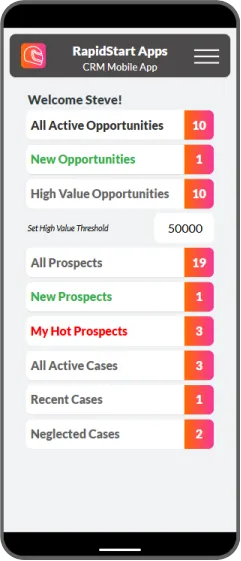
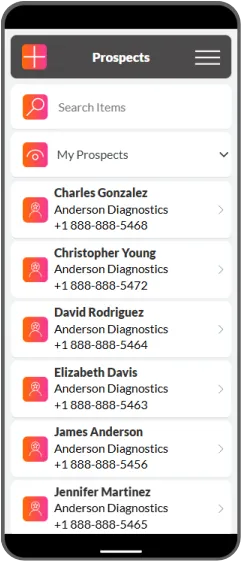
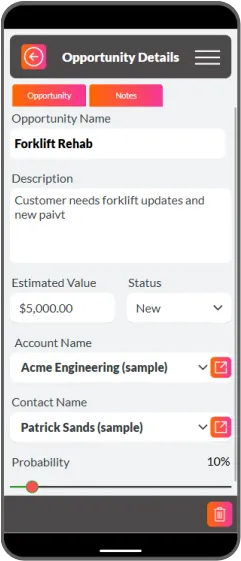
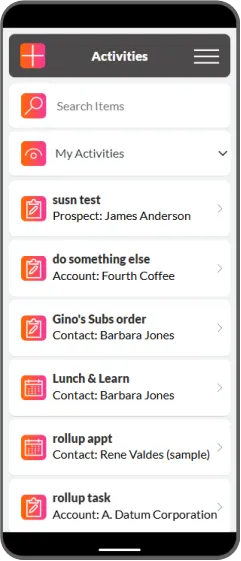
The RapidStart CRM mobile app gives you full access to your CRM data on the go. Here are some screenshots of the app in action:
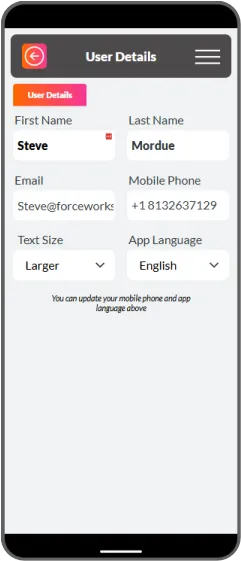
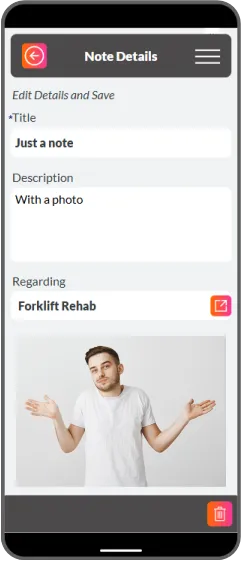
Setting Up the Mobile App
Step 1: Download the Power Apps Mobile App
RapidStart CRM runs inside the Microsoft Power Apps mobile app. Download it from the App Store or Google Play:
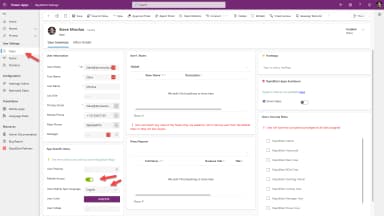
Download for iOS
Download for Android
Step 2: Sign In
Open the Power Apps mobile app and sign in with your Microsoft 365 work account — the same account you use to access RapidStart CRM on the web.
Step 3: Open RapidStart CRM
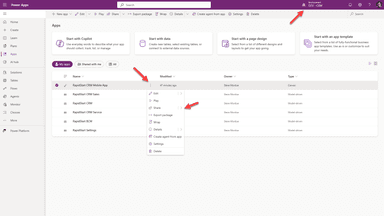
After signing in, you will see a list of apps available to you. Tap RapidStart CRM (or whichever RapidStart app you use) to open it. The app will load and you will have full access to your data.
Tip
Pin the app to your home screen for quick access. On iOS, tap the share icon and select Add to Home Screen. On Android, tap and hold the app icon and drag it to your home screen.